
Reverse Image Search + AI Detection: Verify Any Image's Origin
By AI Detector 360 Editorial Team · · 6 min read
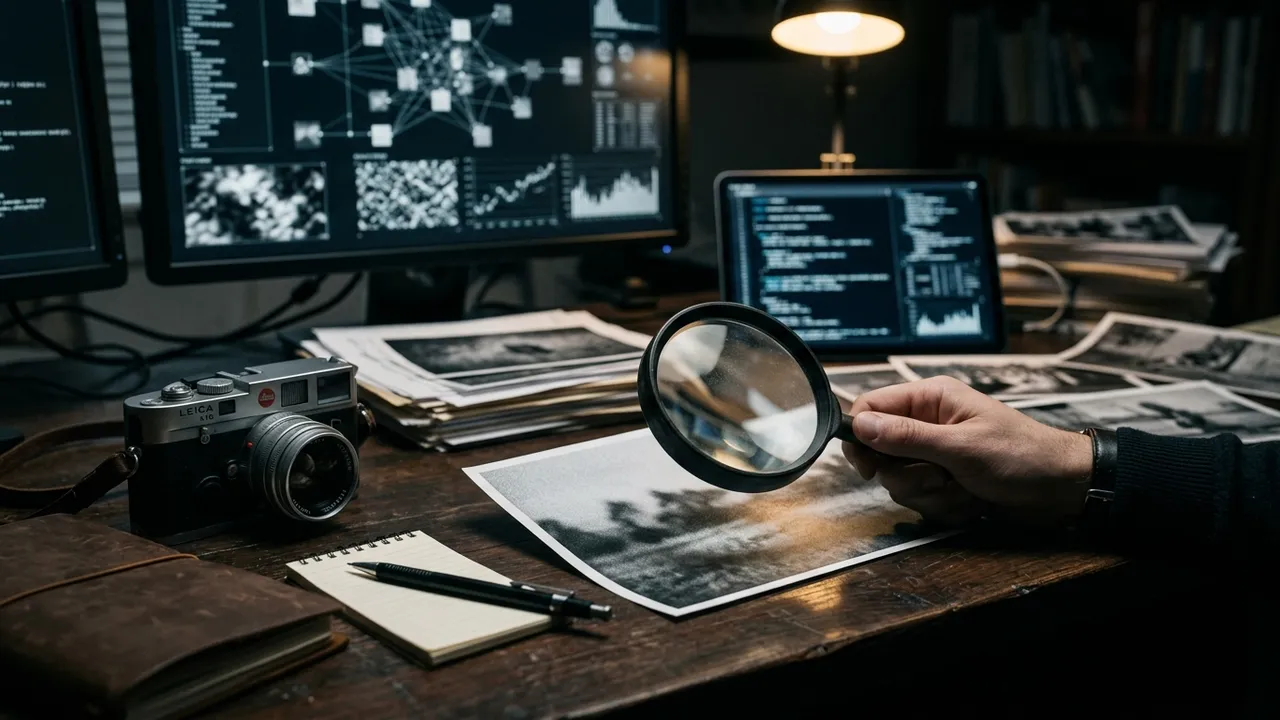
Most image verification failures aren't sophisticated fakes beating sophisticated tools — they're people running one check, getting a shrug, and sharing anyway. The fix is a workflow, not a gadget: three checks, each covering the others' blind spots, in about two minutes.
To check if an image is AI or otherwise fake, run three steps in order: a reverse image search to find its earliest appearance, a provenance check for C2PA metadata and EXIF traces, and an AI detector scan of the pixels themselves. Each method alone has a known blind spot; together they corner nearly every case.
Key takeaways
- Reverse search answers 'has this existed before, and as what?' — it exposes recycled photos and documented AI posts instantly.
- Provenance metadata can positively identify both cameras and generators, but it's stripped by most platforms, so absence means nothing.
- Detectors read statistical traces in the pixels — the only check that works on brand-new, metadata-free images.
- Verify in that order: search is free and fast, provenance is decisive when present, detection covers whatever's left.
Why one check is never enough
Each verification method has a failure case you'll hit weekly:
- Reverse search finds nothing for a freshly generated image — there's no history to find.
- Metadata is missing from virtually everything that's passed through a social platform, real or fake.
- Detectors lose accuracy on compressed, cropped, re-encoded copies (we've documented how much in our image detector accuracy breakdown) — and in the ARIA study, unaided humans caught barely 62% of AI images, so "I'll just look closely" isn't a plan either.
Notice the shape: the blind spots don't overlap. New images that defeat search still get caught by detection; stripped files that defeat metadata checks still get caught by search or pixels. Sequence the checks and the coverage compounds.
Step 1: trace the image with reverse search
Start with history, because it's free, fast, and immune to how good the fake looks.
Upload the image (or paste its URL) into Google Lens — on desktop, the camera icon in the search bar; on mobile, a long-press. You're looking for three things: an earlier, higher-resolution copy; the context of the earliest appearance; and any coverage that already debunks it. Then repeat on TinEye and sort results oldest-first — TinEye's date sorting is the fastest route to the original upload. Bing Visual Search and Yandex are worth a pass when the first two come up empty, since their indexes differ.
Two outcomes end the investigation immediately. If the image existed before the event it supposedly depicts, it's recycled — the most common fake on the internet, no AI required. And if it existed before 2022, it predates the generative era entirely. A third outcome is nearly as decisive: the trail leads to a prompt-sharing feed or an AI art account, where the creator already answered your question.
Use the context panels, not just the thumbnails. Google's "About this image" panel surfaces how an image has been described across the web and where it surfaced earlier, which catches something raw match-lists miss: the same picture captioned three contradictory ways in three countries. When captions disagree, at least two of them are lying, and the earliest one is your best lead on the truth.
Step 2: read the file's receipts
If search came up empty, interrogate the file itself. Drop it into the free Content Credentials verify tool: if the image carries C2PA metadata, you'll see who or what signed it — a camera, an editor, or a generator like DALL-E or Firefly — plus its edit chain. Our C2PA explainer covers what these manifests can and can't tell you.
Keep the asymmetry straight, because it's the most misused idea in image verification: a valid manifest is close to conclusive; a missing one is meaningless. Social platforms strip metadata on upload, screenshots never had any, and Midjourney doesn't embed credentials in the first place. Metadata can convict and can vouch, but it can never clear by absence.
Plain EXIF deserves a skeptical middle tier. Camera model, lens, exposure and timestamp fields are informative when they cohere — and trivially editable, so treat them as a story to test rather than a fact. EXIF that contradicts the claim (a "phone snapshot" carrying desktop-editor fields, a timestamp after the first online appearance) is far more useful than EXIF that supports it.
Is that image AI-generated?
Upload a picture and get classifier scores, provenance (C2PA/EXIF) checks and likely-generator attribution.
Try the AI image detectorStep 3: check if the image is AI with a detector
Whatever survived steps 1 and 2 — no history, no receipts — comes down to the pixels. Statistical detectors read what eyes can't: noise distributions, frequency artifacts and upsampling fingerprints left by generation pipelines.
This is where the AI Detector 360 image detector is built to slot in as the workflow's last step rather than a standalone oracle. One upload runs three analyses at once: the pixel-level AI probability with an explicit confidence level, likely-generator attribution, and a provenance sweep (C2PA, EXIF, generation parameters) — so step 2 and step 3 happen in the same report. If you're doing a quick, low-stakes check, the free scanner handles first passes without an account.
Read results like an editor, not a referee. High score plus high confidence plus no history is a strong case. Middling score on a heavily compressed repost is an honest "insufficient evidence" — the compression, not the tool, ate the signal. If the score surprises you in either direction, cross-check against the visual signs of AI generation before concluding anything.
One re-scan is often worth it: if step 1 turned up a larger or earlier copy than the one you started with, run AI Detector 360 on that file too. We routinely see the original score decisively where the repost scored ambiguously, because the extra resolution carries the statistical detail the compressed copy lost.
Reading conflicting signals
Real cases come back mixed. A quick interpretation guide:
| Signals | Likely reading |
|---|---|
| Search finds 2019 copy + detector says "likely AI, low confidence" | Recycled real photo; compression fooled the detector |
| No history + C2PA manifest names a generator | Confirmed AI — case closed |
| No history + no metadata + high AI score, high confidence | Very probably AI |
| Old history + intact camera EXIF + low AI score | Very probably a real photo |
| No history + no metadata + mid score, low confidence | Genuinely unknown — decide by stakes |
That last row deserves respect. Some images are unresolvable with current tools, and the mature move is matching your action to your uncertainty: don't reshare it as fact, don't accuse anyone of faking it, and say "unverified" out loud if you must reference it. Verification isn't about forcing an answer — it's about knowing exactly how much answer you have.
The mistakes that break the workflow
Four errors account for most bad verdicts we see, and all four are avoidable:
- Searching the repost instead of the original. Always click through to the largest, earliest copy before running steps 2 and 3 — every intermediate save destroys evidence.
- Treating "no metadata" as suspicious. It's the internet's default state. Only present evidence moves the needle.
- Letting the detector go first. Run it last, on the best copy, with the search context in hand. A score without context invites exactly the overconfidence this workflow exists to prevent.
- Stopping at the first comforting signal. One clean check isn't clearance. The workflow's power is the stack, and the stack takes two minutes.
Two minutes, three checks, and you'll be right far more often than the feed you're scrolling. That's the entire pitch.
Is that image AI-generated?
Upload a picture and get classifier scores, provenance (C2PA/EXIF) checks and likely-generator attribution.
Try the AI image detectorFrequently asked questions
Is reverse image search alone enough to spot AI images?
No — it only catches images with a findable history. Recycled and miscaptioned photos, yes; a freshly generated image has no history to find, so reverse search returns either nothing or unrelated lookalikes. That's precisely the case where metadata inspection and statistical detection have to take over.
What does it mean if an image has zero results anywhere?
One of three things — it's brand new (a just-taken photo or a just-made render), it's been cropped and filtered past recognition, or it simply lives outside the engines' indexes. Zero results is not evidence of AI origin on its own. It removes one tool from your kit and raises the weight on provenance checks and detector analysis.
Which reverse image search engine should I use?
Start with Google Lens for coverage and its About-this-image context, then TinEye specifically to sort matches oldest-first, which is the fastest way to find the original. Bing Visual Search and Yandex sometimes surface matches the others miss. Two engines catch most of what any single one would; three is diligence.
Can I run this whole workflow on a phone?
Yes. Long-press an image to search it with Google Lens, upload the saved file to contentcredentials.org/verify in a mobile browser for the metadata check, and run the AI Detector 360 scanner from the browser as well — no install needed. The only phone limitation is inspecting fine detail; zoom generously or finish on a laptop for high-stakes calls.
Sources & further reading
Fair-use note: AI detection scores — from any tool, including ours — are probabilistic estimates, not proof. Never make academic, employment or legal decisions on a score alone.
Related reading
What Are C2PA Content Credentials? Provenance Explained Simply
What is C2PA? A plain-English guide to Content Credentials: how signed provenance manifests work, who embeds them in 2026, and why absence proves nothing.
Aug 14, 2026 · 6 min read
How Accurate Are AI Image Detectors? Benchmarks Explained
AI image detector accuracy looks great in labs and shaky on real feeds. What the ARIA benchmark and Bellingcat's compression test reveal about real scores.
Jul 31, 2026 · 6 min read
How to Tell If an Image Is AI-Generated: 9 Signs + Free Tools
The obvious tells are fading. How to tell if an image is AI generated in 2026: lighting physics, texture patterns, C2PA metadata checks and detector tools.
Jul 6, 2026 · 8 min read